
Moods and journal entries
Record a feeling, attach a note, or write a journal entry without leaving the shell.
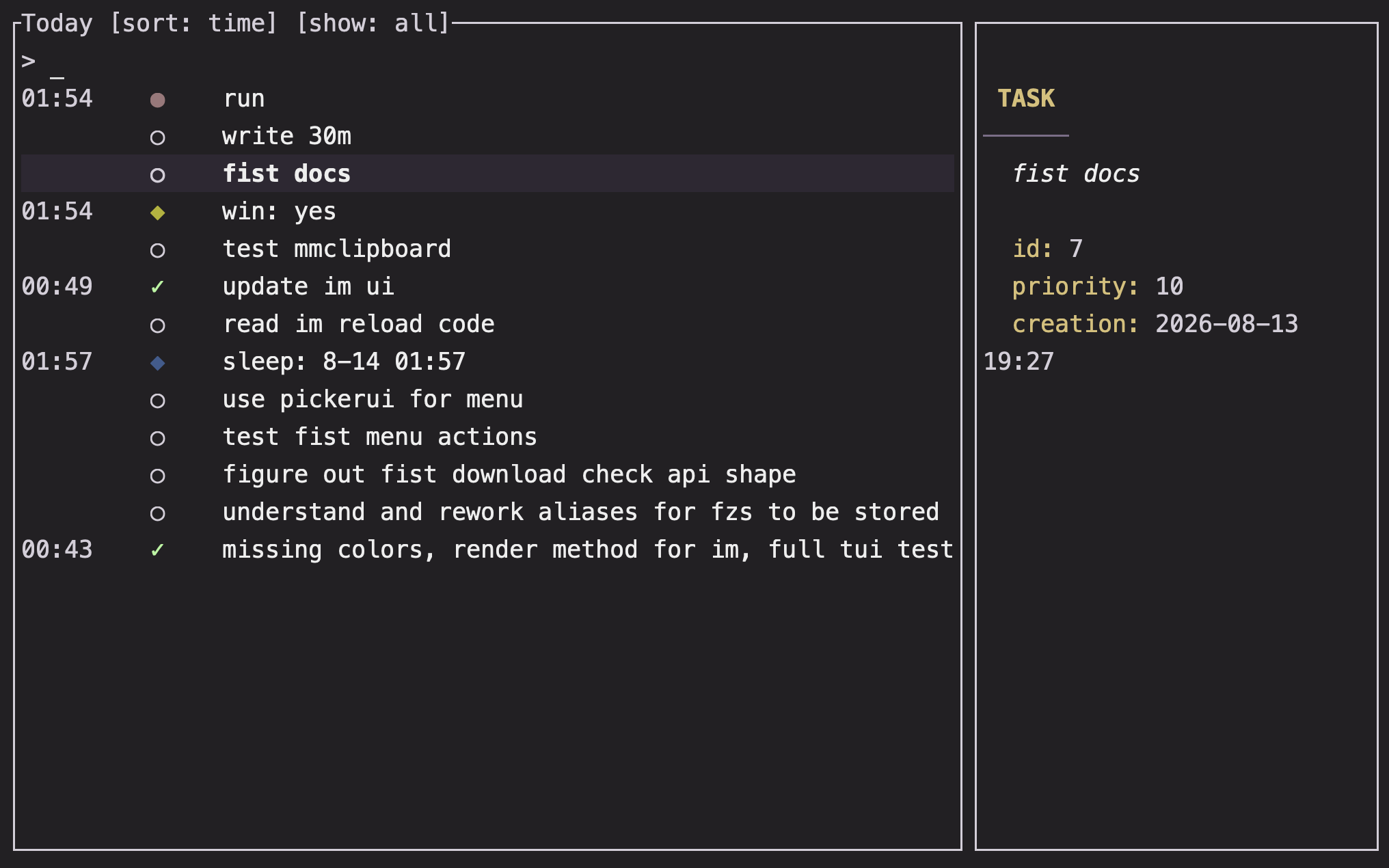
Overview
Every plain Im command is an entry. Words before a body delimiter become the mood; words after the delimiter become the body.
Basics
Record a mood
im hopeful
im tired but content
im nervous about tomorrow
Im keeps the words together as one mood phrase. Mood rows receive a color based on your configured mood anchors; see Configuration to customize those anchors.
Add a body
Put a dot-only argument before the note:
im frustrated . the plan changed againThe body can contain spaces and additional punctuation. A body delimiter is made only of dots, so . and .. are both meaningful.
Write a journal entry
Use the delimiter as the first argument when you want a body without a mood:
im . the important part was startingJournal entries appear as their own rows in the today view. They can use a configured journal badge, but they do not need a mood color.
Use the editor
A bare delimiter opens your preferred editor:
im hopeful .
im .
VISUAL is preferred over EDITOR. A second or third dot selects the corresponding template when templates are configured. Template instruction blocks between lines containing only %% are removed before the body is saved.
Link an entry to a task
Append a task's open short ID to a mood or journal entry:
im shipped the fix -12The link is shown in the entry preview and in the task preview. It does not complete the task. For task completion, see Tasks.
ProTip: Put a longer reflection after
.instead of making the mood phrase carry every detail. The today view keeps the mood label and body separate.
Review and edit
The today view shows mood and journal entries in time order. Select a row to see its body and linked records in the preview pane. ctrl-e opens the selected body for editing, and delete or ctrl-h opens a confirmation before removing the entry.
Use im :clear [@date] to remove all mood and journal entries for a day. That command also removes tracker records attached to those entries; see Maintenance.
FAQ
What is the difference between a mood and a journal entry?
A mood has words before the body delimiter, such as im calm. A journal entry starts with the delimiter, such as im . wrote down a thought.
Can a mood contain a dot?
A dot-only argument is treated as the body delimiter. Put punctuation inside the body after the delimiter if it should not split the command.
Why is my entry not colored?
Mood colors depend on the configured anchor file and the text of the mood. Journal entries have no mood phrase, so they use the journal badge instead of a mood color.