
Configuration
Configure mood colors, trackers, task defaults, grids, badges, and editor templates from one TOML file.
Overview
Run im :config to open the active configuration. Every section is optional; unspecified settings use Im's defaults.
Basics
Find the configuration
im :configSet IM_CONFIG_DIR to an existing directory when you want Im to use a different configuration directory. Otherwise Im looks for ~/.config/im and then the platform's standard configuration directory under im.
The local data store lives under the platform's standard state directory in an im folder. You normally do not need to open it directly.
Main sections
| Section | What it controls |
|---|---|
[moods] | Mood-color settings and the optional anchor-file path |
[tasks] | New-task priorities, completion colors, and overdue color |
[tracker.<name>] | A tracker kind, interval, bounds, and palette |
[grid] | Week, month, year, and week-start behavior |
[preview] | Whether completed tasks show their last completion |
[tasks_view] | How long a recently completed task remains in pending results |
[today_view] | The initial oneshot filter and today-view options |
[badges] | Mood, tracker, and journal row markers |
[editor] | Body-template paths for each entry type |
Set task defaults
[tasks]
default_priority = 10
default_recurring_priority = 5
default_scheduled_priority = 15
colors = ["dark_red", "dark_yellow", "dark_green"]
overdue_color = "#FFB6C1"
Task colors run from low progress to complete. A completed task uses the last color; unfinished progress uses earlier bins.
Configure trackers
[tracker.rating]
kind = "float"
low = 1.0
high = 10.0
strict = true

[tracker.pushups]
kind = "integer"
low = 0
high = 50
interval = { anchor = "2026-01-01T00:00:00Z", span = "1 day", cumulative = true }

[tracker.sleep]
kind = "null"
low = "22h"
high = "6h"
strict = true
interval = { anchor = "2026-01-01T00:00:00Z", span = "1 day" }
Trackers support integer, float, duration, text, and null kinds. See Trackers for full details on intervals, bounds, and strict validation.
Customize the today view
[today_view]
initial_tasks_filter = "all"

[tasks_view]
persist_pending_seconds = 300
The today filter can be none, all, overdue, pending, or horizon.
nonehides the task section.allincludes oneshot tasks without a date bound.pendingincludes open oneshots from any date.horizonincludes open oneshots due in the selected horizon.overdueincludes dated oneshots due by the horizon, including overdue rows.
The interactive today view can switch among its built-in variants; see Views.
Set badges
[badges]
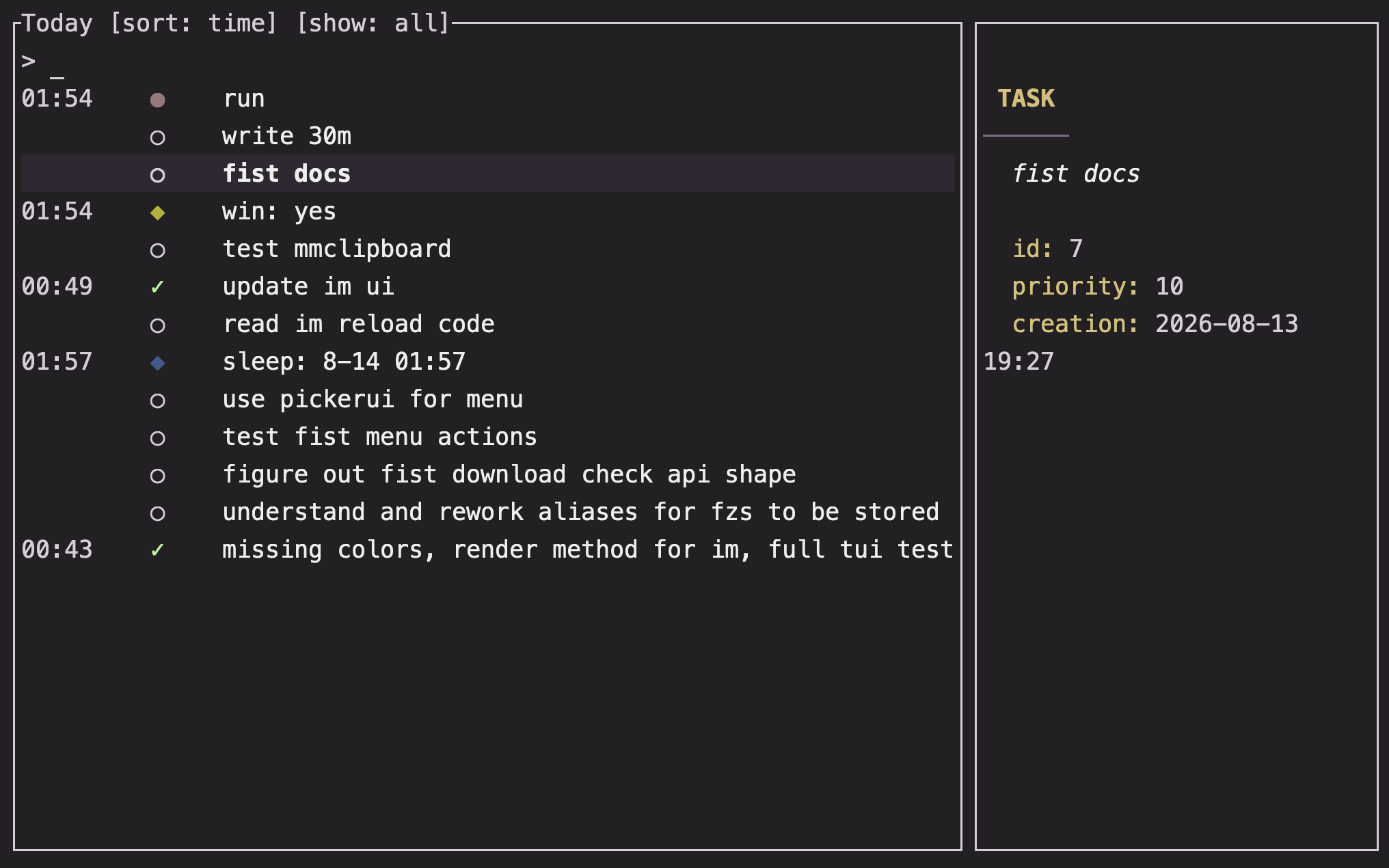
mood = "●"
tracker = "◆"
journal_badge = { badge = "·", color = "red" }
A journal badge can be a glyph, a color, or an object containing both. Omitting it leaves journal rows without a marker.
Add mood anchors
The bundled mood anchors provide the starting palette. To use your own, set a source file:
[moods]
source = "moods.toml"
Then create or edit the file with:
im :moodsThe source file contains one [[pairs]] entry per anchor:
[[pairs]]
mood = "peaceful"
color = "#84C741"
Colors can be #RRGGBB, rgb_(r,g,b), or a named terminal color. If the source is missing or invalid, Im falls back to its bundled anchors.
Configure editor templates
[editor]
mood_template = ["templates/mood.txt"]
task_template = ["templates/task.txt"]
recurring_template = ["templates/recurring.txt"]
scheduled_template = ["templates/scheduled.txt"]
A single dot opens the first template, two dots open the second, and so on. Lines between %% markers are instructions for the editor and are removed from the saved body.
ProTip: Keep the main config small and move mood anchors or long editor templates into separate files.
im :configandim :moodskeep those entry points easy to find.
FAQ
Can I configure a tracker without defining every other section?
Yes. Add only the [tracker.name] section you need. Missing sections use defaults.
Why did my setting not take effect?
Configuration is strict about unknown keys. Check spelling and section names, then rerun the command. Tracker names cannot contain whitespace or -, begin with :, be only digits, or consist only of the flag letters q, v, and F.
How do I change the week start or rolling grid ranges?
Edit [grid] with week_start = "Monday" or another weekday. Set week_rolling, month_rolling, or year_rolling to choose fixed recent windows instead of calendar ranges.