
Getting started
Im turns a short command into a mood entry, journal note, tracker record, or task that you can review later from the terminal.
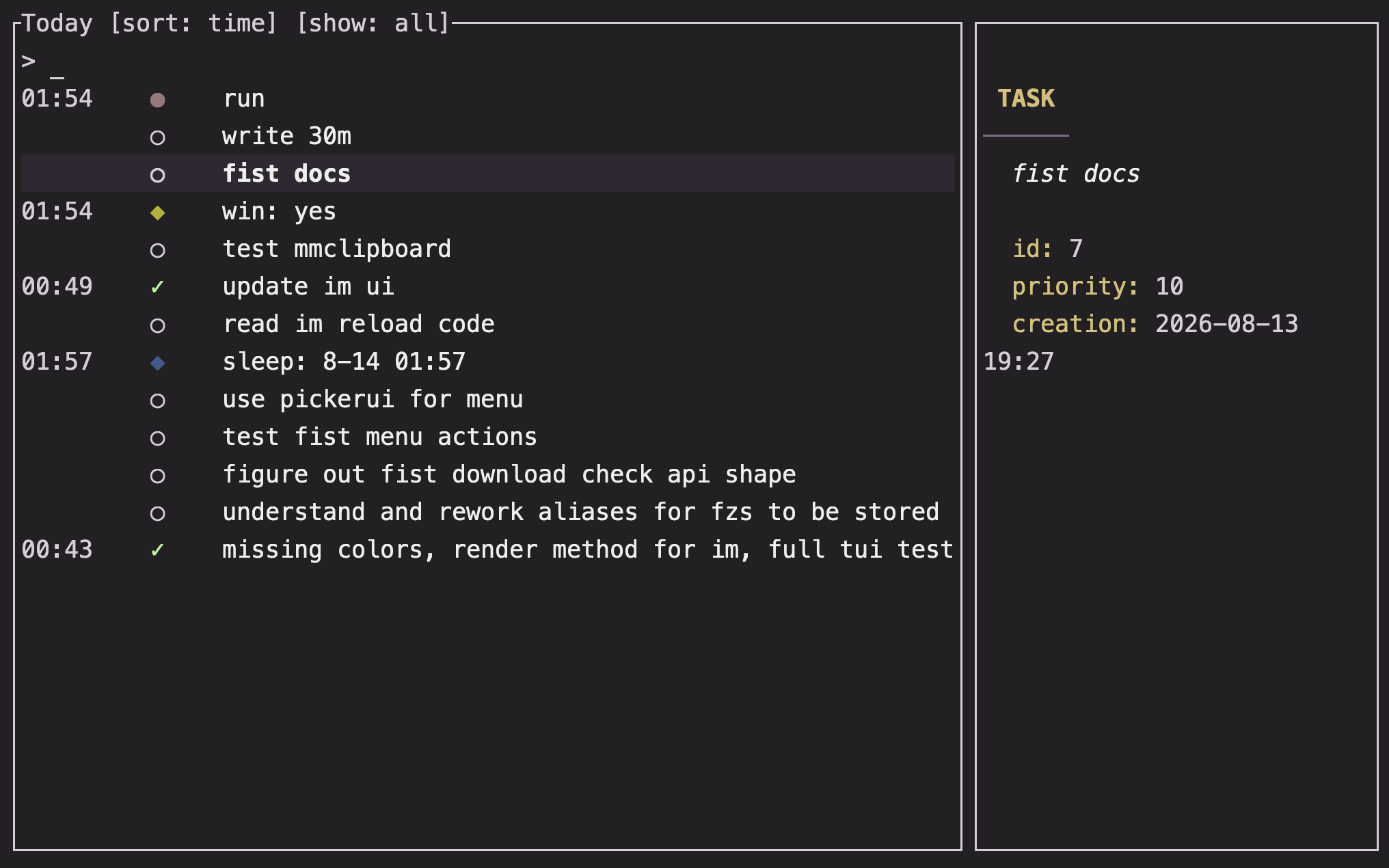
Overview
Im is designed for quick capture. A plain command records a mood; . separates the command from a note body; !, @, and : open task and history views.
Basics
Install Im
From a checkout, install the binary with Cargo:
cargo install --path .If you use a prebuilt release, place the im binary on your PATH and verify it with:
im --helpBinary variants: im vs im-dynamic
Im distributes two binary variants:
im(default): Statically links ONNX Runtime (ort) at build time, producing a self-contained binary.im-dynamic: Dynamically loads the ONNX Runtime shared library (libonnxruntime) at runtime. Use this variant when linking against a system-provided or custom ONNX Runtime library.
Set the ORT_DYLIB_PATH environment variable to point to your libonnxruntime shared library when using im-dynamic:
# macOS
export ORT_DYLIB_PATH=/opt/homebrew/lib/libonnxruntime.dylib

# Linux
export ORT_DYLIB_PATH=/usr/local/lib/libonnxruntime.so

# Windows (PowerShell)
$env:ORT_DYLIB_PATH = "C:\path\to\onnxruntime.dll"
Make your first entry
im calm
im focused . finished the first draft
im . remembered to take a break
The first command records a mood. The second records a mood and a body. The third records a journal entry without a mood word.
See today
Run Im without arguments:
imWhen stdout is a terminal, this opens the interactive today view. When stdout is redirected or piped, Im prints rows instead:
im | lessNote: The today view uses your local day and local time. To inspect another day, use
im @<date>; date expressions are described in Dates and durations.
Open the configuration
im :configThis creates the active configuration file when needed and opens it in VISUAL, falling back to EDITOR. Start with the examples in Configuration.
Next steps
- Record a richer entry with Moods and journal entries.
- Add a task in Tasks.
- Define a metric in Trackers.
- Learn the interactive controls in Terminal interface.
FAQ
Does Im need a separate service or account?
No. Im records entries locally and reads them back from its local views.
Why did im print text instead of opening the interface?
The interactive interface is selected when stdout is a terminal. Piping or redirecting stdout selects plain output so the result can be composed with other commands.
What should I configure first?
Nothing is required for mood entries, journal entries, or basic tasks. Configure a tracker when you want to record a value such as sleep, water, or a rating.