
The custom pane (Stream)
Any list of paths — a command's output or stdin — becomes a first-class pane with fs :custom (alias fs :c). Once open it behaves like every other pane: filtering, sorting, previewing, selection, file actions, the queue, and undo/redo all work identically.
Opening a custom pane
| Way | Command |
|---|---|
| Read stdin | `fd -t md |
| Run a command | fs :custom fd -t md --max-depth 2 |
| Alias | fs :c … |
An empty command reads from standard input; otherwise fs :custom runs the command and browses its output line by line. f:ist options come first — everything after the command name is handed to the command unparsed.
Flags
| Flag | Meaning |
|---|---|
--tail-sep <char> (alias -ts) | Split each line into a path and a tail (the context column) at the first occurrence of this character |
--input-sep <char> (alias -is) | Split the stream on this character instead of newlines |
--transform <lua> | Rewrite each entry (path, tail) → (path, display, tail) |
--sort <sort> | name mtime atime size none (see Sorting) |
--cd | Print the best match and exit |
--opener <program> | Program used to open files on accept |
| visibility flags | -h / -I / -a / -F / -f (see Visibility) |
The --transform hook
--transform runs a Lua function on every row before display:
local path, tail = ...
-- return path, display, tail
The input path is absolute; the input tail is the --tail-sep remainder. Omitting path omits the row; missing display / tail keep the current values. Prefix the argument with @ to load the script from a file.
Note: a transform may be invoked more than once over a pane's lifetime, so don't rely on persistent state or mutate anything you can't reset.
Example: browsing markdown notes
A pair of scripts putting a plugin-like workflow together: ob-notes lists the markdown files of each folder in an Obsidian vault and browses them in a custom pane, and ob-open opens the selection in Obsidian while recording it in your history.
### --- ob-notes -- ###

#!/bin/zsh

# This first command demonstrates the use of fs as a wrapper for fd,
# by use of the `--list` and `--` parameters:
# `--list` (available for all panes), starts fs non-interactively,
# while arguments after `--` passed through to `fd`.
# The effect however, is simply to list all folders in a given folder.
fs -t d --list $OBSIDIAN_HOME . -- --max-depth 1 |
while read -r line; do
  # This command finds all markdown files, and prints them in a custom format:
  # {a:b} is a slicing syntax for path components
  # {-1:} means take all components including and after the last
  # omitting either end takes the full range in that direction
  # 3 different delimiters are supported for slicing: `:`, `=` and `.`
  # `:` targets the current item and adds single quotes around it
  # `=` targets the current item without single quotes
  # `.` targets the current working directory without single quotes
  # `{}` prints the full path.
  #
  # Here, the effect is to print alongside each note their containing "vault".
  fs -t .md --list --format '{=}\t{-1.}' $line .
done |
# This command browses the results. Note that a bare `fs` call no longer
# consumes piped input -- browsing a listing is now an explicit `fs :custom`:
# --opener: use this program to open the selected file
# --tail-sep: use this delimiter to split each input line into a Path
#                   and a Context (the tail column)
# --transform: a lua function (path, tail) -> (path, display, tail). The input path
#                 is absolute, the input tail is the --tail-sep remainder; a missing
#                 path omits the entry; missing display/tail keep the current values.
#                 Note: Files can be supplied with the `@` prefix.
fs :custom --opener ob-open \
  --tail-sep $'\t' \
  --transform '
local path, tail = ...
local display = (tail and tail ~= "") and ("/" .. path):match("^.-/" .. tail:gsub("%W", "%%%1") .. "/(.*)") or path
return path, display:gsub("^/+", ""):gsub("%.md$", ""), tail
'### --- ob-open -- ###
# This script takes a filepath, and opens it with Obsidian.
# We pass the uri to fs :o so that it records it in our history, which we can later access using `fs :file`.
uri() {
print -nl $@ | sed 's/ /%20/g; s/\//%2F/g'
# or more reliably, print -nl $@ | jq -sRr @uri
}
fs :o "obsidian://open?path=$(uri $1)"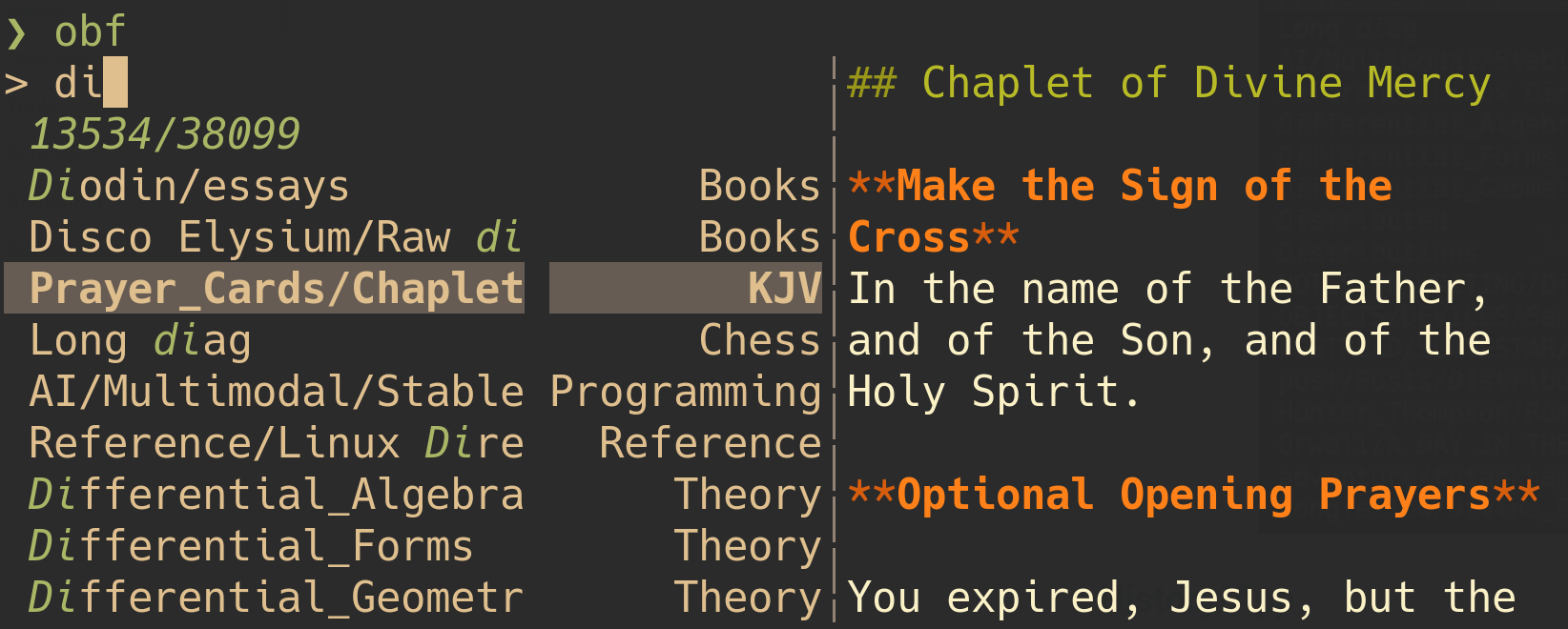
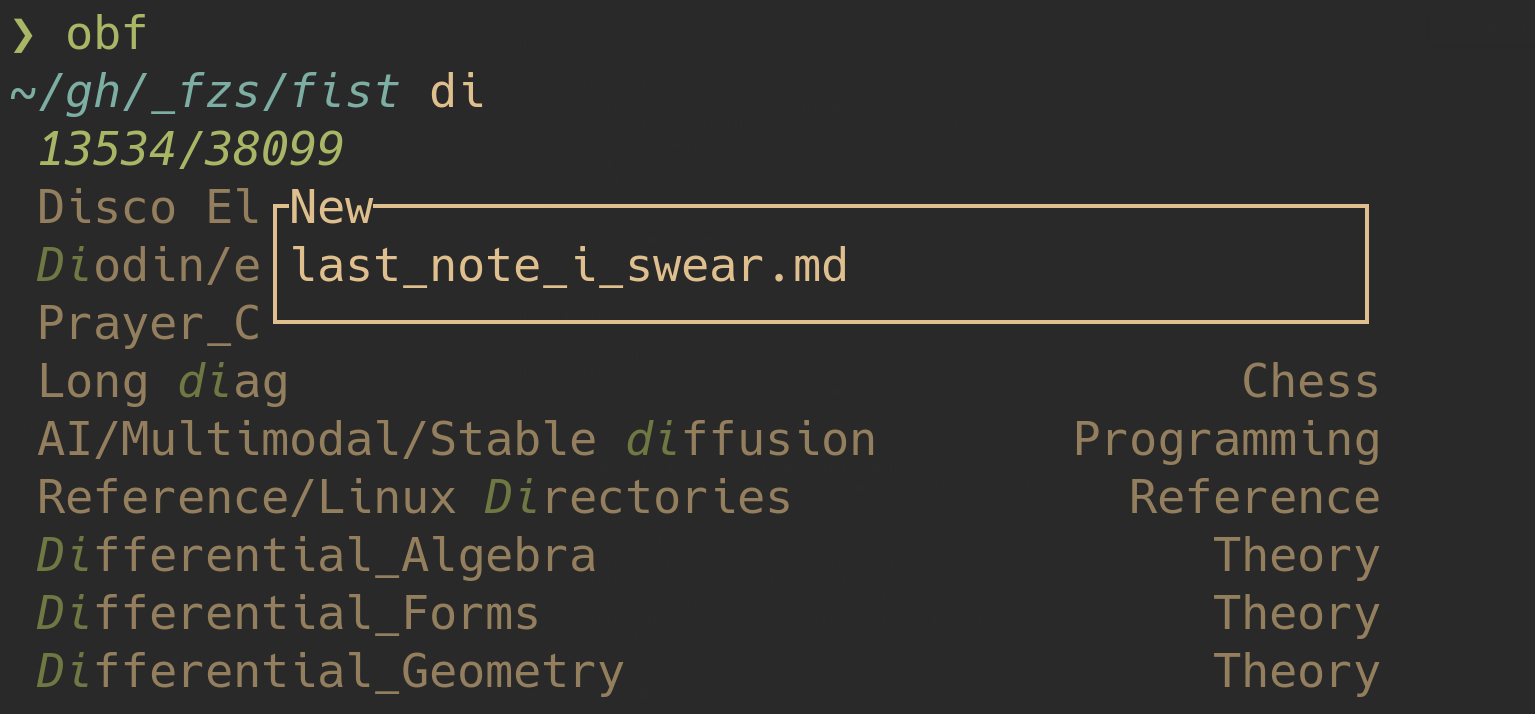
This example originally lived in the README.